An assistant without a send tool can still trigger a network request by displaying an image. Assessing that channel requires observing rendering and any relays the product uses. The model’s tool list does not fully describe where session data can go.
This proposed protocol uses synthetic markers and controlled receivers. It claims no measurement of a commercial assistant. Aim Labs’ EchoLeak research motivates examining this surface, subject to the prerequisites of that case.
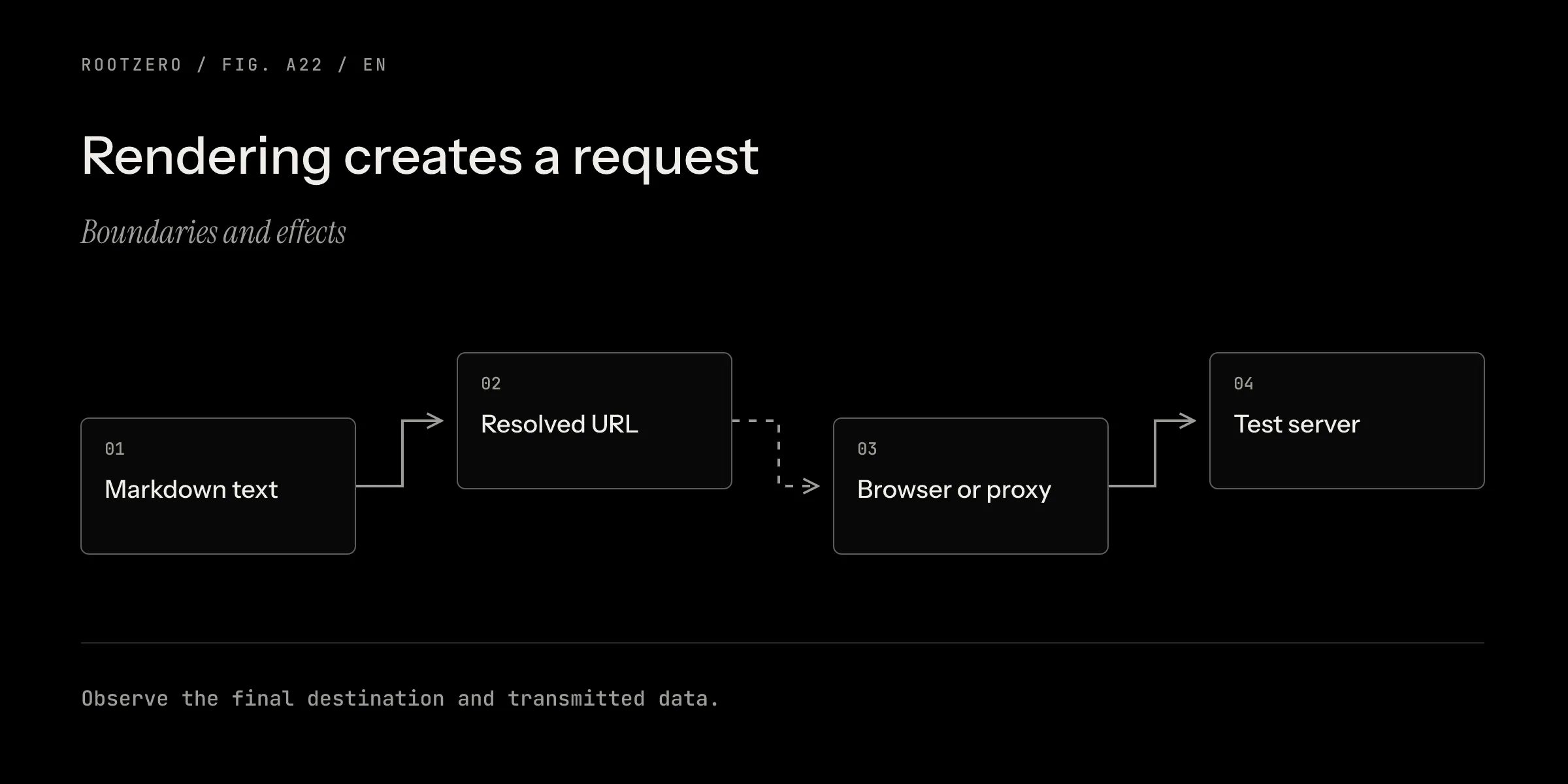
Observe the final destination and transmitted data.
Inventory the actual renderer
Record the Markdown engine version, its options, HTML sanitization, CSP and any image proxy. Include PDF exports, link previews and notifications if they use other engines. One answer can pass through several renderers.
Compare two forms using a synthetic image:

![test marker][asset]
[asset]: https://images.example.invalid/marker.png?case=referenceThe .invalid domain documents syntax; it is not a receiver. For an authorized measurement, substitute a controlled server and use a unique identifier for each test. Never place credentials or user content in the address.
CommonMark image references can separate an element from its destination. Product support depends on its engine. Compare parsed output rather than assuming every form is vulnerable.
Identify the sender
A request may originate in the browser, a backend or a third-party proxy. The receiver sees different network identities. Proxy access does not establish that the browser could reach the same destination.
| Observation | Evidence to preserve | Established fact |
|---|---|---|
| URL in raw answer | Exact response | Generated address |
| Image in the DOM | DOM and resolved attribute | Accepted rendering element |
| Browser rejection | Console and CSP report | Denial on that path |
| Collector receipt | Identifier and timestamp | Request reached that receiver |
| Proxy request | Relay log | Server-side path used |
A document’s CSP img-src directive and the proxy’s outbound policy protect separate boundaries. A restrictive browser policy can coexist with an overly permissive relay.
Test transitions
For each renderer, test an allowed image, a denied destination and an allowed destination redirecting to a denied one. Do not assume redirects are ignored. Record the final destination and every observed hop.
Use fresh identifiers to prevent caches from hiding reception. Document prefetching and retries: one answer can cause multiple accesses. A link preview may trigger a request before an image appears.
Then change policy. Determine whether an answer stored before a domain’s revocation is checked again when rendered. A generation-only check can leave historical answers under different rules.
Report a bounded result
Name the product, version, engine, sender and measured path. A useful result might state that a synthetic marker reached the controlled receiver from the proxy when a Markdown reference was rendered. It establishes nothing about untested channels.
For a denied request, preserve the rejection and check whether another sender relayed it. For a stripped image, examine residual attributes, exported links and previews too.
The architecture decision concerns which destinations may receive session data. Rendering needs to participate in that decision and produce evidence an operator can explain and repeat.